Documentation

Big Picture Money is local-first desktop personal finance software that helps you track transactions, categorize spending, build budgets, follow goals, review net worth, and understand your household finances — with your data stored on your computer by default.
Use this documentation to install the app, complete everyday tasks, and learn how each feature works.
Get the desktop app
Big Picture Money is downloadable desktop software for Windows, Mac, and Linux. Install it on your computer, set up your encrypted data file, and start managing your finances without uploading your entire financial history to a cloud service.
Buy Big Picture Money — after payment, install from the success page or your purchase email.
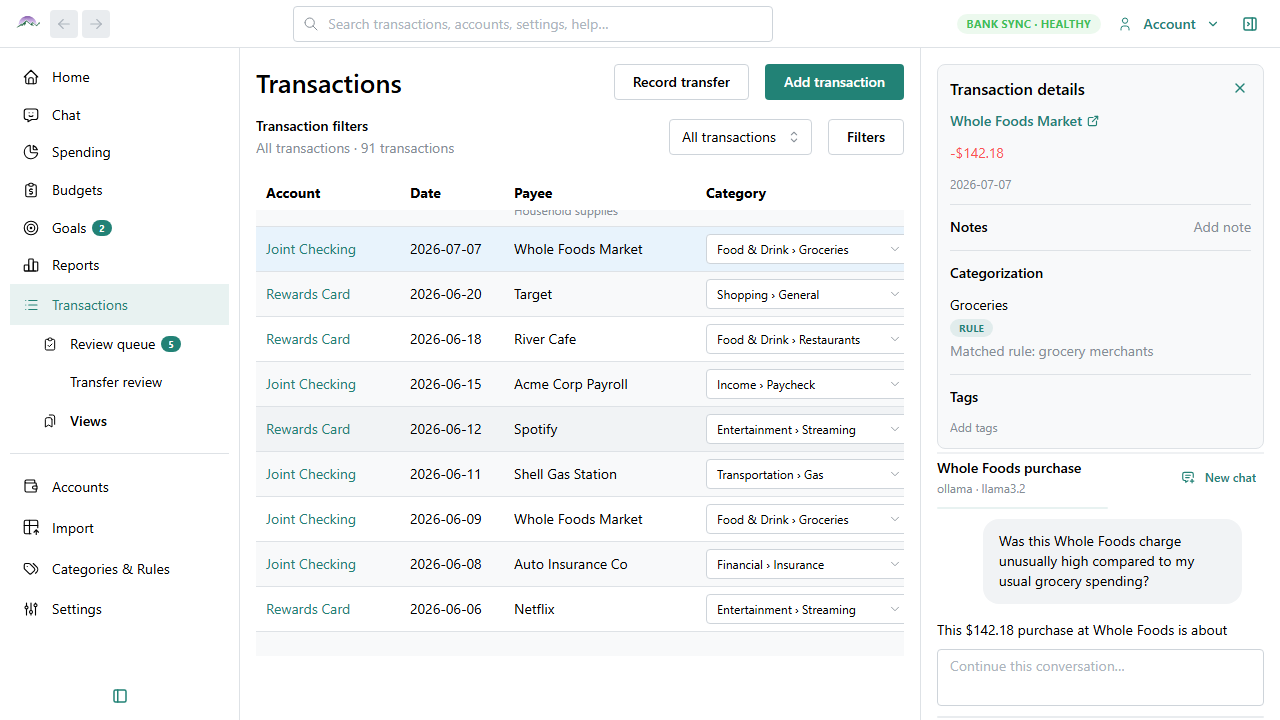
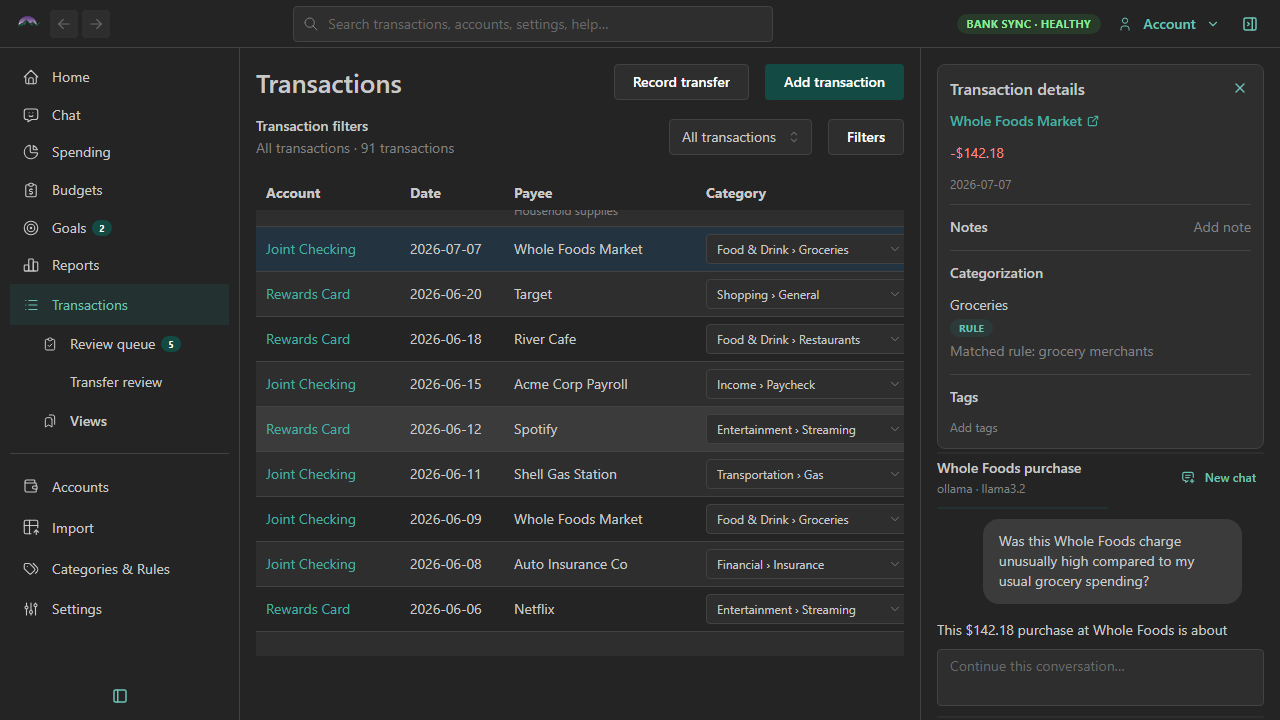
The transaction register keeps your accounts in one place. Select any transaction to review details or ask the AI assistant questions about your spending — locally, when you use a local model.
Why use Big Picture Money?
- Your data stays on your computer — Financial records live in an encrypted SQLite database on your machine. You decide if and when data syncs.
- Works without a cloud account — Core bookkeeping, budgets, reports, and imports run entirely on the desktop.
- You are the customer, not the product — The app is funded by software licenses, not advertising or data collection.
- Export is always available — Back up, inspect, or move your data whenever you choose.
- Optional, transparent AI — Use local or cloud AI providers on your terms; nothing sends without your configuration.
- Modern tools for everyday finance — Categorization rules, merchant recognition, bank file imports, optional bank sync, and spending reports.
For product background and principles, see About Big Picture Money.
Browse this documentation
| Section | Start here |
|---|---|
| Getting started | Install the app · Your first week |
| How-to guides | Add a transaction · Check for updates · Uninstall the app · Import from CSV |
| Features | Accounts · AI assistant · Security & encryption |
| Comparisons | About these comparisons · YNAB · Monarch Money |
| Changelog | Roadmap · Changelog · Release 2026.1.13 · Release 2026.1.12 · Release 2026.1 |
| Reference | Your data file · Export formats |
For pricing and tiers, see Pricing.